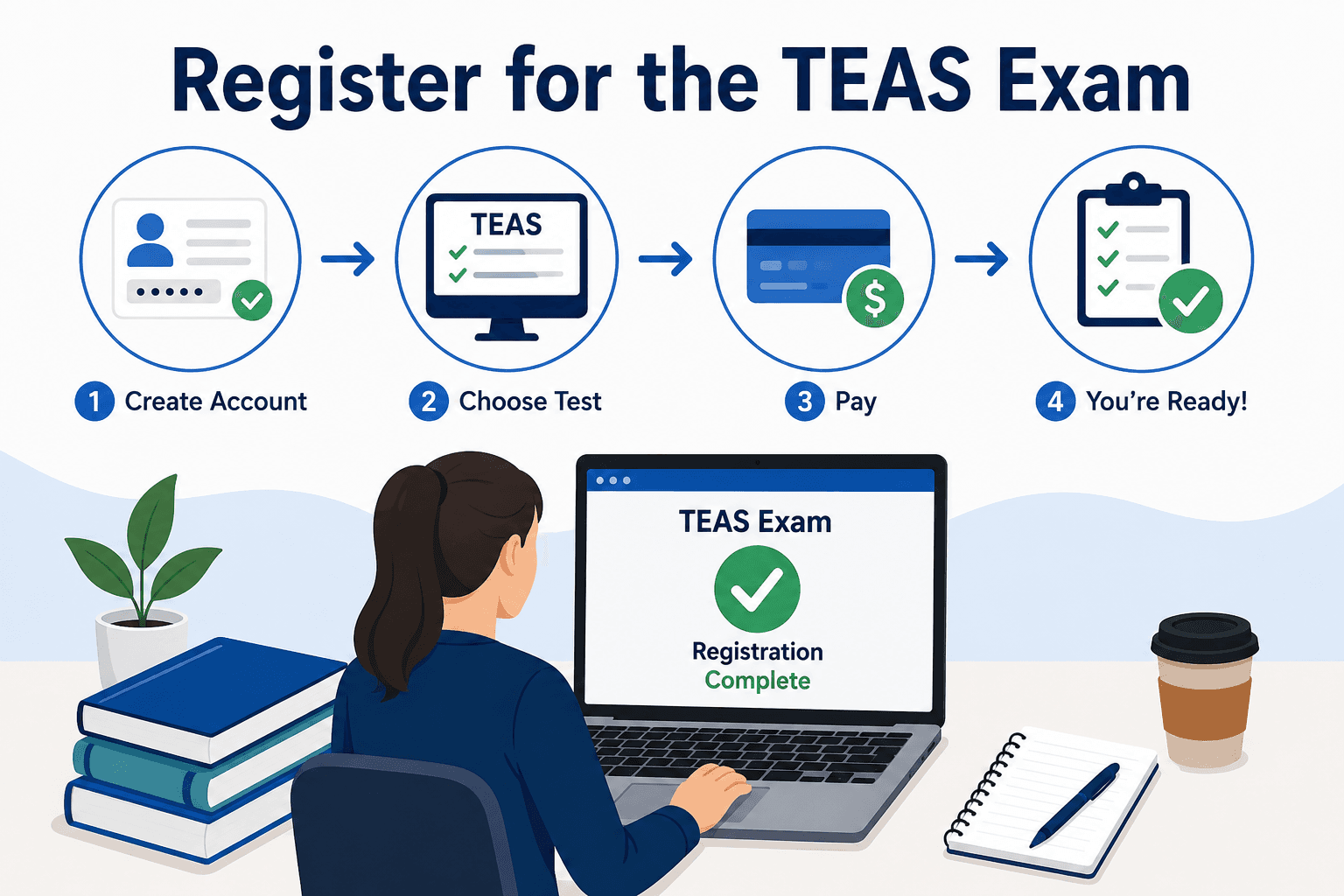
Check your requirements before you sign up.
Contact your program's admissions office prior to visiting any registration page to confirm: if the program requires you to have one, what is the minimum score required, if a particular testing pathway is required, and the deadline for application. This is the most common cause for applicants to register incorrectly.
Step 1: Learn about your three testing path options
- TEAS at ATI — completely online, proctored by ATI from home in a private setting that meets ATI's requirements.
- TEAS at PSI — in-person, at a PSI testing center, a third-party network partnering with ATI.
- TEAS at an Institution/Testing Center — administered directly at your program's own testing center, under an institutional agreement.
If your program requires a certain test (some do say that they require it to be taken on campus), then personal convenience is secondary to the requirement. Please verify before selecting as testing via the wrong option may slow your score to your school.
Step 2: Create Your ATI Account
No matter what path you take, you'll need an account on atitesting.com, where they also run proctoring dry runs, provide score reports and transcripts.
- Log in to atitesting.com and click on Create Account.
- Enter your sign-in information.
- Select three security questions and write down the answers.
- Give the person your legal name as on your government issued photo ID.
- Provide demographic information.
- If you have an institution, choose if applicable
- Check and agree to Terms and Conditions
Note: Do not make a second account if you have used an ATI product before, such as in a previous TEAS exam or in any program you may have participated in before. Duplicate accounts may lead to a failure on your part to find school results. If you are looking to create an account, search the internet first or get in touch with ATI support. Some important details: Your account name must match your ID. Even minor differences in the middle name can cause hassles at check-in.
Step 3: Choose your testing path and register
Log in and go to your Student Home page:
- TEAS at ATI (remote): There is a requirement to do a system check online before exam that will ask you to pay and confirm your computer, camera, microphone and internet connection meet requirements. Do not underestimate this; if they fail to find it at the actual exam session, it's usually not free.
- TEAS at PSI (In-person): Do the same as above, but select PSI as the school, and then select a center and date/time and pay on the ATI platform.
- For your institution: You need to follow your school's directions, which may include an institution code. Sometimes it is different (sometimes is not collected on the exam day, but rather after) – don't take it for granted that payment is the same along the other two routes.
Tip: Review the application deadline for your program and plan backwards, allowing for some time for scores to be processed and buffer time for rescheduling/re-taking. One of the worst and avoidable errors a person makes when applying for a job is registering too close to the deadlines.
Step 4: Complete Payment
Payment is usually via credit or debit card and handled by ATI even if the exam is an institution-administered exam (unless otherwise stated by your school). Please check the order summary before ordering – Exam type, path, date, time, location and sales tax.
Note: Remember to save your receipt for payment when you receive it. It makes it much easier to resolve any future scheduling problem or technical problems.
Step 5: Make sure to perform Pre-Exam Requirements (If Testing Remotely)
If testing remotely you will also need to:
- Run a system check before your test date!
- Check the environment including a private quiet room, clear desk, no phone etc, not in reach of notes or extra monitors.
- Complete a dry run, simulating check-in and proctoring.
Tip: Try to do these early – not the night before! Most candidates who miss this or run into some technical glitch on test day are not likely to have an easy chance to refund or reschedule the exam.
Step 6: Plan for Exam Day Procedures
- Valid ID: Government issued, and exactly the same as your ATI account name.
- Arrival/Logon Timing: 15-30 minutes ahead of the start time.
- Policy on rescheduling: Discuss ATI's policy (typically 48 hours notice) at registration and not when someone needs to reschedule.
Most common problems and their solutions
- I don't know what kind of testing route my program is interested in. Don't assume what's being asked, ask it directly.
- Maybe I already have an ATI account". Please attempt to log in with an old email address before setting up a new one or contact ATI support.
- My name does not correspond to my ID. Resolve your account right away; it could result in being denied at check-in if it is not corrected.
- There is no time cushion between my test date and deadline. Try to find a date that is earlier, or inquire with your program if a later date may still be acceptable. The sooner you act, the more options you will have.
- I am not sure about remote tests. Does a system check at least a week in advance, allowing time to fix issues?
- I'm moving this to another time, will I still be billed? Review ATI's policy right away and follow it in the window of opportunity to prevent losing your fee.
A Simple Pre-Registration Checklist
- Specify the preferred testing method, minimum score and program testing requirement.
- Application deadline (Buffer time)
- Legal name listed on your photo ID
- Valid payment method
- Institution code (if applicable)
- A private space is available, if testing remotely
Final Thoughts
The structure of the TEAS is the key to knowing what to do when you register, so once you understand it, you should not have any difficulties: Confirm the requirements for your program, understand the testing path, set up an accurate account, register and pay carefully, and complete any pre-exam steps remotely well ahead of time. Common errors here are nearly always preventable — make it a quick job, not another cause of stress, by getting each step right first time.